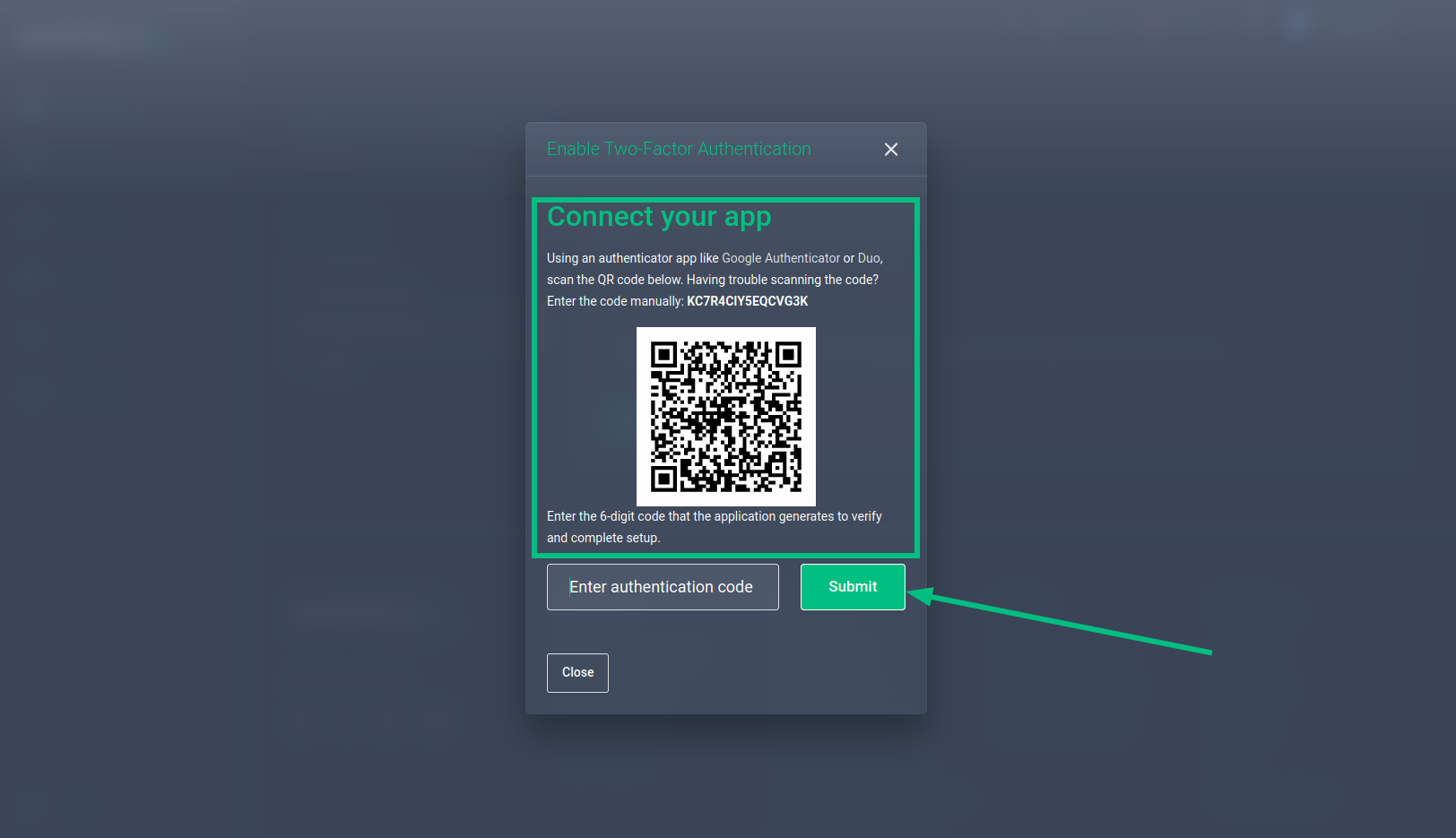
How to activate 2FA on your account.
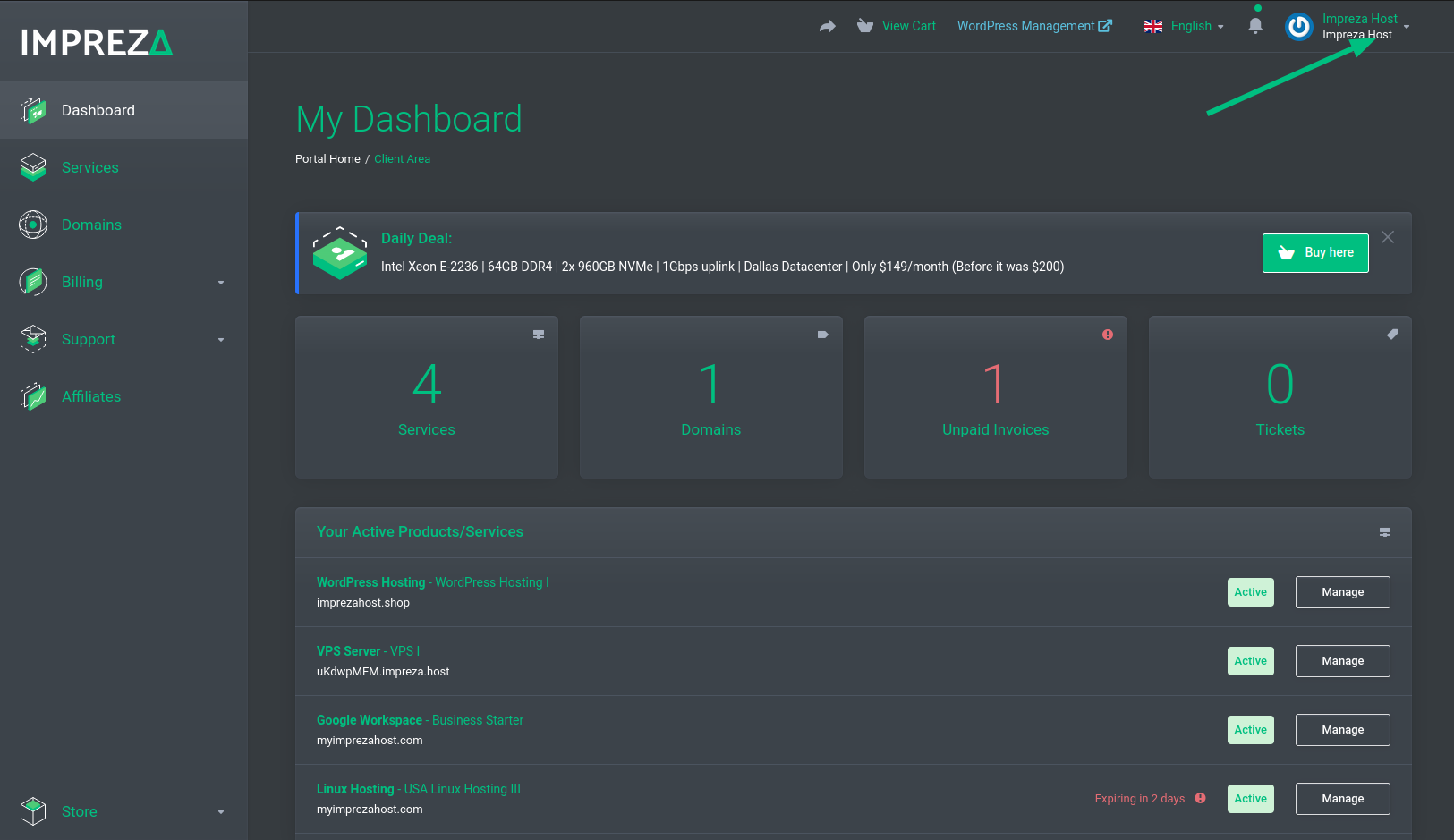
Logged into your administrative panel, click on your account name in the top right corner.
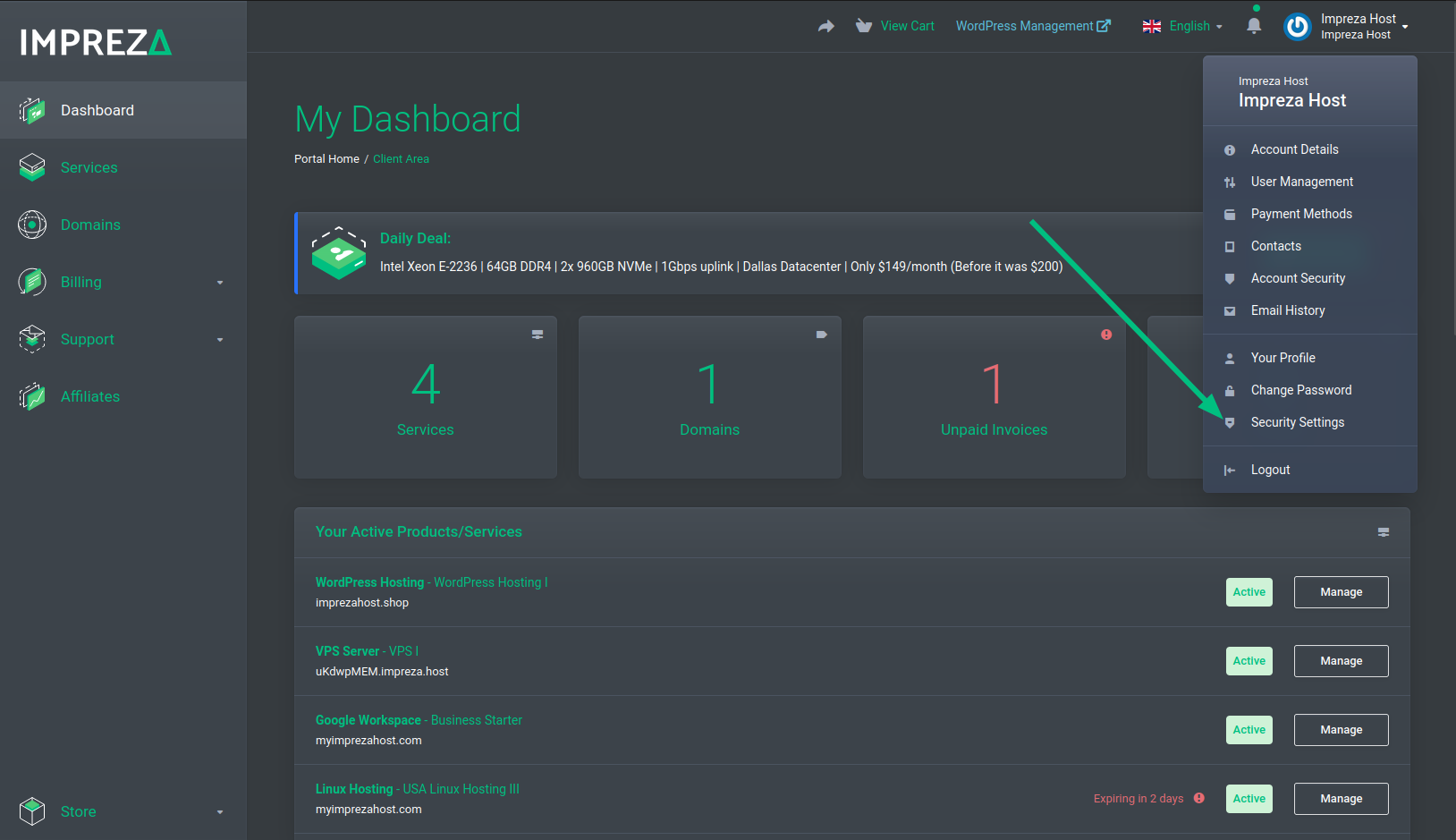
Click Security Settings.
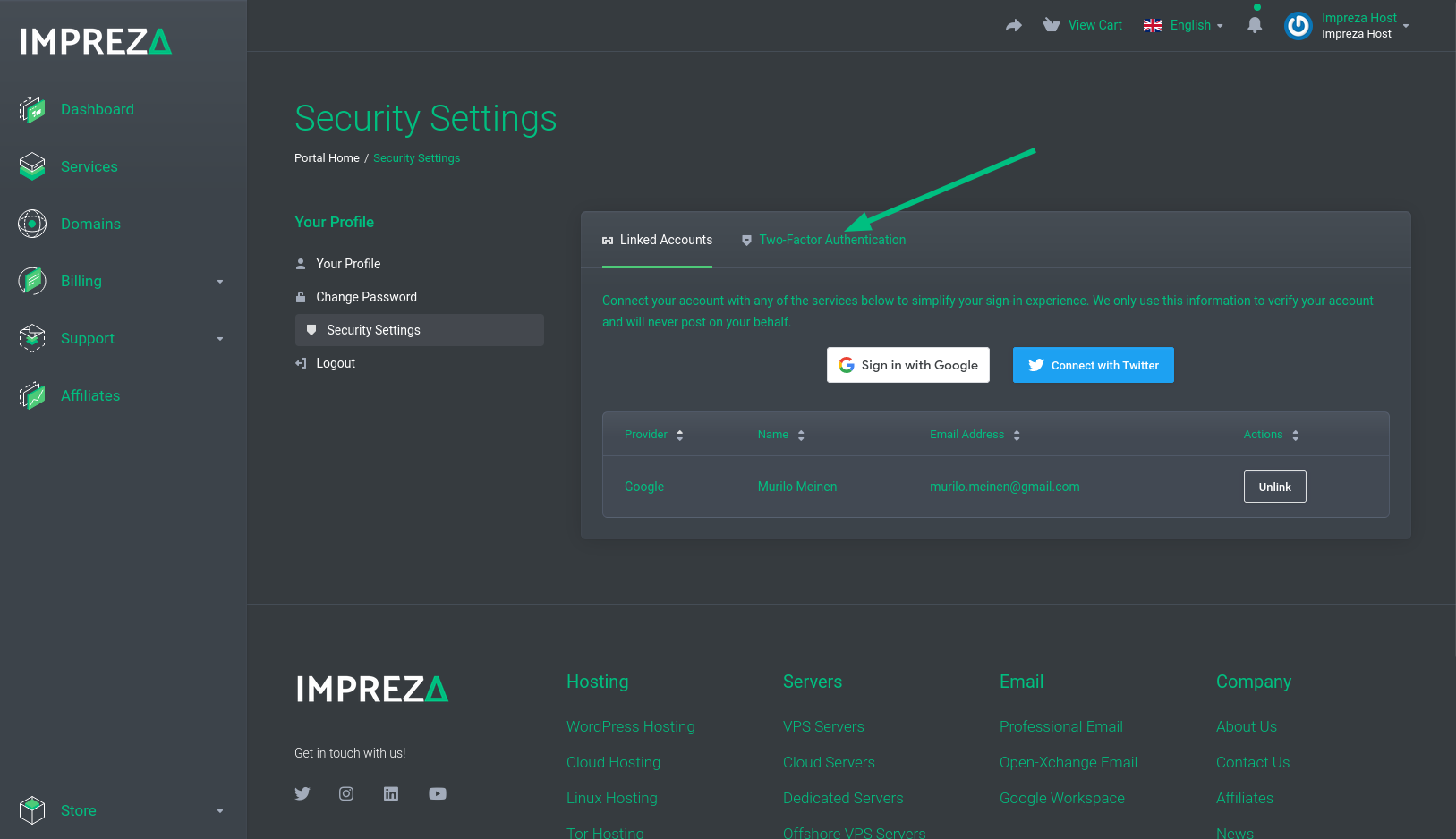
Click Security Settings again.
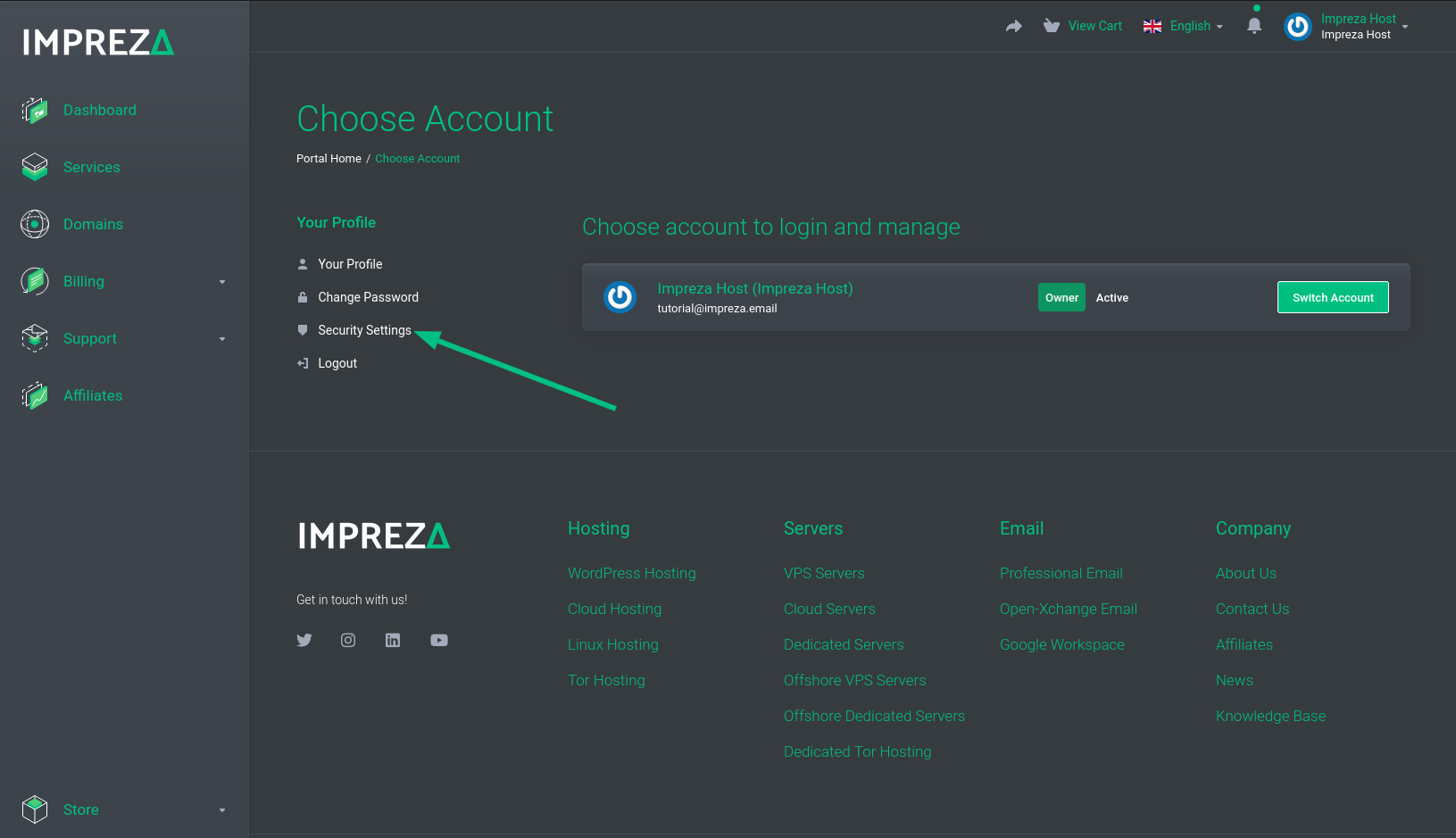
Now click on Two-factor Authentication.
Now click on the button to Enable.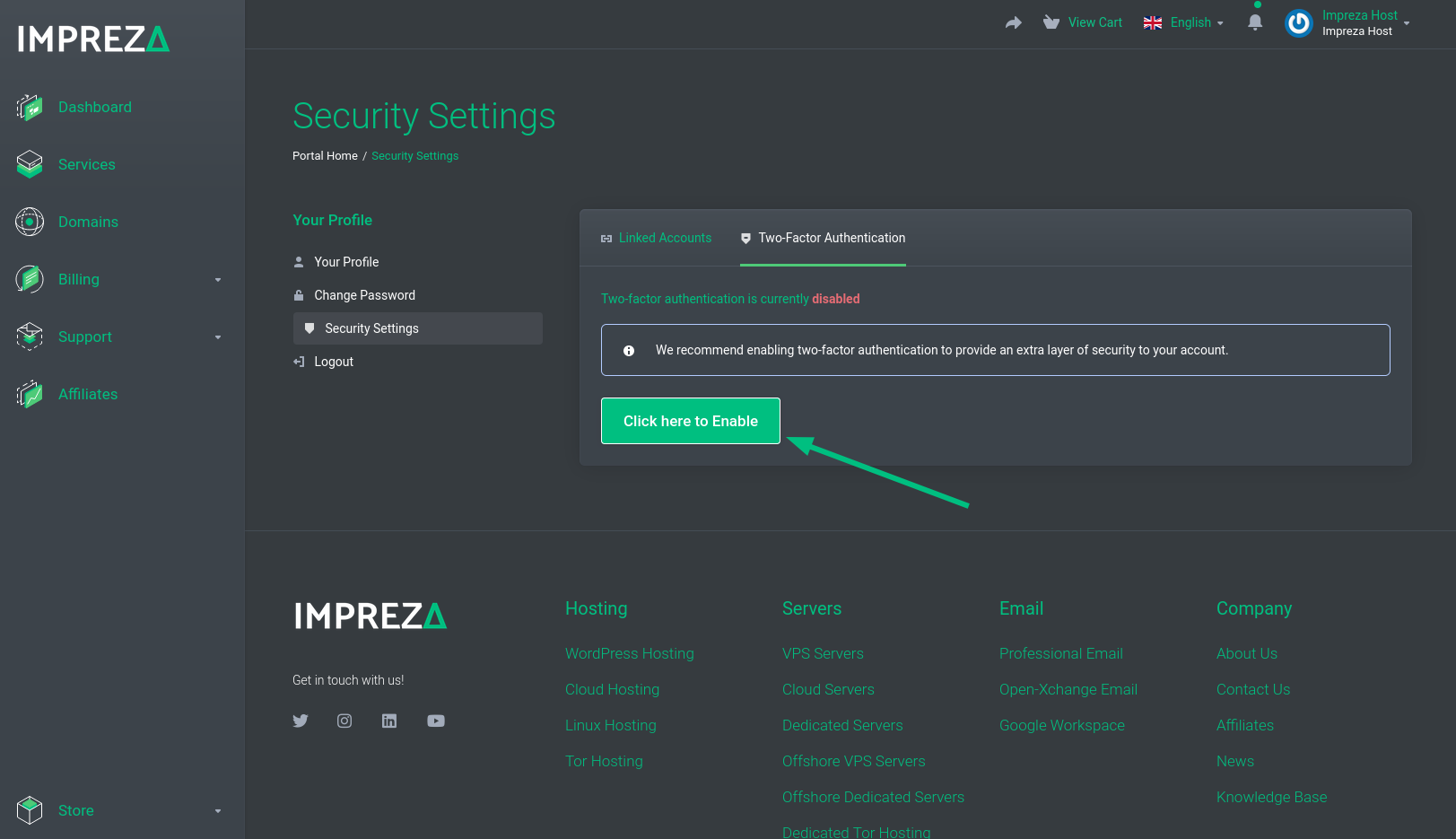
Click Get Started.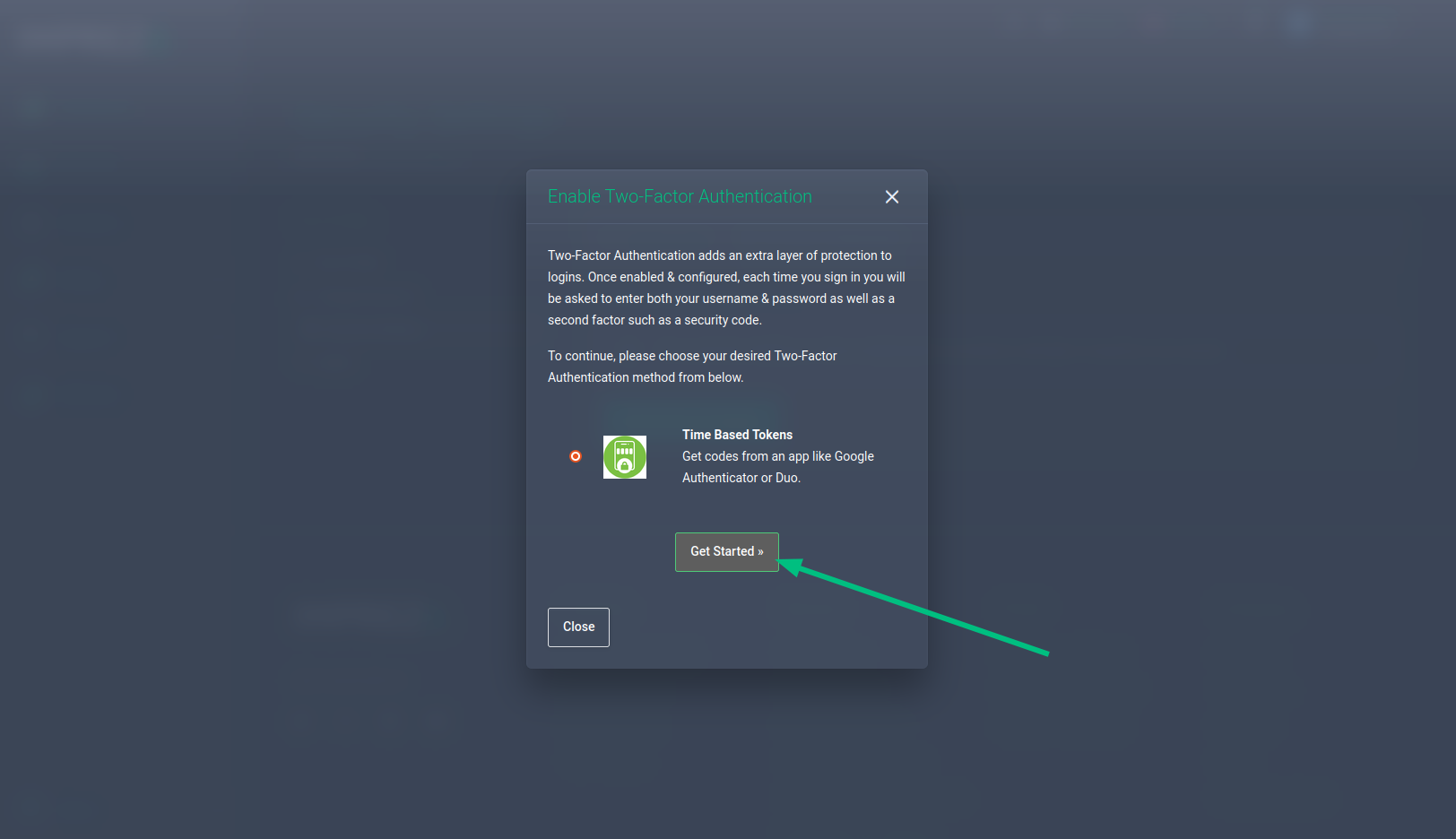
To finish, connect your device by scanning the QR code or manually entering the code generated in an app such as Google Authenticator or Duo scan and send. After that, your 2FA authentication must be activated.