


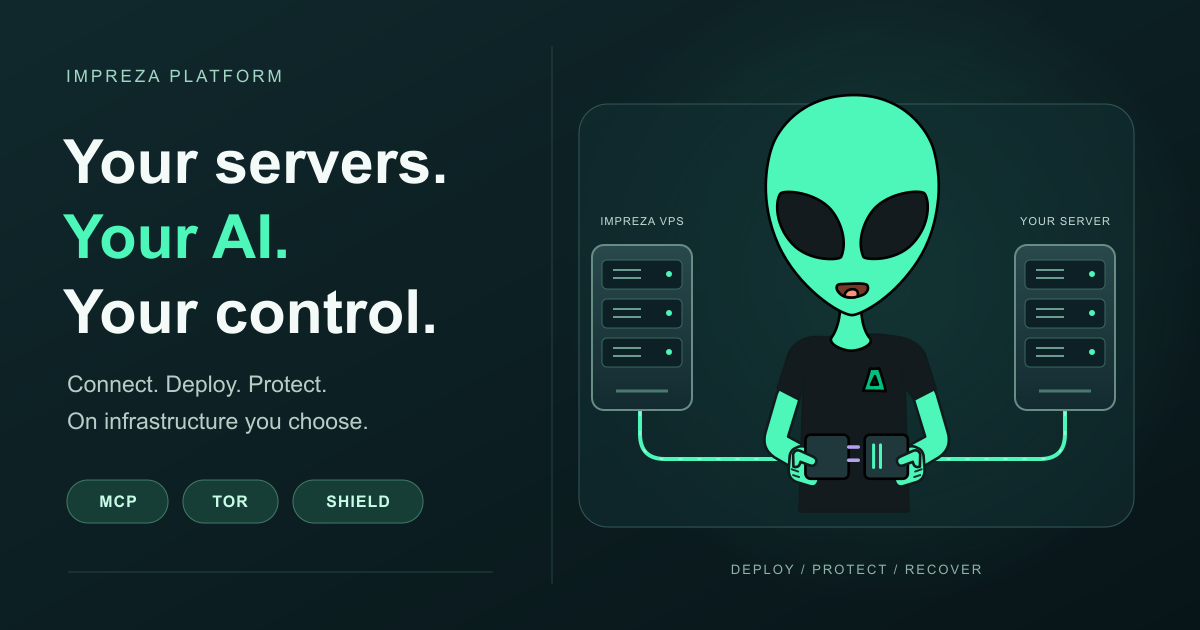
Your server, your applications and your preferred AI assistant can now work together with more control. Impreza brings server management, app deployment, privacy options and recovery workflows into one platform, accessible through My Apps, the REST API and supported MCP tools.
The latest additions expand how you protect applications, organize staging and production, recover PostgreSQL data and limit what an AI agent can spend or create. Here are the highlights, alongside the existing server and Tor integrations that connect the workflow.
Use an Impreza VPS or connect your own server
Configure a new Impreza VPS with your preferred location, operating system, CPU, memory, storage and initial app. Review the quote before ordering. You can also connect a compatible server from another provider to the Impreza platform, then use the supported catalog, custom application workflows and AI integration on that server.
Connecting an existing server registers it with the platform; application and data migration remain separate tasks. See Bring your own server to Impreza.
Connect your AI through MCP, including Tor access
Authorize a compatible AI client through OAuth and grant the permissions it needs. Supported MCP tools let the assistant inspect services, deploy applications and perform management tasks within that authorization. The platform also provides official onion endpoints for the portal, REST API, hosted MCP and documentation. A Tor-capable client is required to use the onion MCP endpoint.
Eligible deployments support onion applications and previews, with Tor client authorization when selected. Start with Connect an AI tool to Impreza and the official Tor addresses.
Protect applications with Impreza Shield
Shield combines a web application firewall, browser proof-of-work challenges and HTTP request limits at the application proxy. It also protects eligible onion routes. The standard profile observes without blocking; hardened and max add challenges and request limits, with WAF blocking enabled only after you review the behavior and explicitly confirm it.
Shield telemetry uses aggregate counters and does not store visitor IP addresses. Its scope is abusive HTTP traffic, not network bandwidth saturation. Manage supported custom applications from their Shield card or MCP, and read the Shield guide before choosing a profile.
Organize environments and review changes before deploying
My Apps now supports project and environment variable groups, reviewed configuration promotion and ordered environment deployments. Deploy dependent components in order, with health checks between stages. Configuration promotion does not move database contents; review your data changes separately. See Set up staging and production.
Recover PostgreSQL and keep AI activity within limits
Eligible managed PostgreSQL databases support point-in-time recovery using base backups and archived WAL in your configured Impreza S3 bucket. Restore to a new database, inspect it and then decide when to switch your application. The available recovery point depends on the backup and WAL already stored. Follow the PostgreSQL recovery guide.
For delegated AI credentials, set daily and monthly spending limits and quotas for servers, deployments, previews and concurrent builds. Review activity and export an audit extract through the supported API and hosted MCP workflows. Existing credentials do not acquire new limits automatically. See Delegate app access to an AI agent.
Start with the workflow you need
Other improvements include PrivateBin in the app catalog, TLS for new Redis deployments, app metrics and alerts, and signed agent updates. Existing servers may need an explicit agent update to use newer capabilities; updating your local MCP client does not update the server.
Open My Apps to manage your applications, visit Deploy with AI to connect your assistant, or explore the own-server option before choosing your infrastructure.
