


















You normally use Google to find anything online. Google is the most widely used search engine all over the world. Google Hacking is the answer to your questions. But you should know that Google can be used in information gathering. Or finding any vulnerabilities in any URLs. According to the ethical hacking researcher at the International Institute of Cyber Security still, many websites can be hacked using just Google Dorks. Google dorks can be used to find vulnerabilities in URLs. Google Dorks is a never-ending list of new technology with new vulnerabilities.
HOW DOES GOOGLE DORKS WORK:-
[Cache]:
- You must be aware that whenever you visit any website. The website is saved in Google Cache. Using the [Cache] keyword Google will show its cache web pages.
- Type cache:example.com
- You can also use the below options for opening the cache for any website.
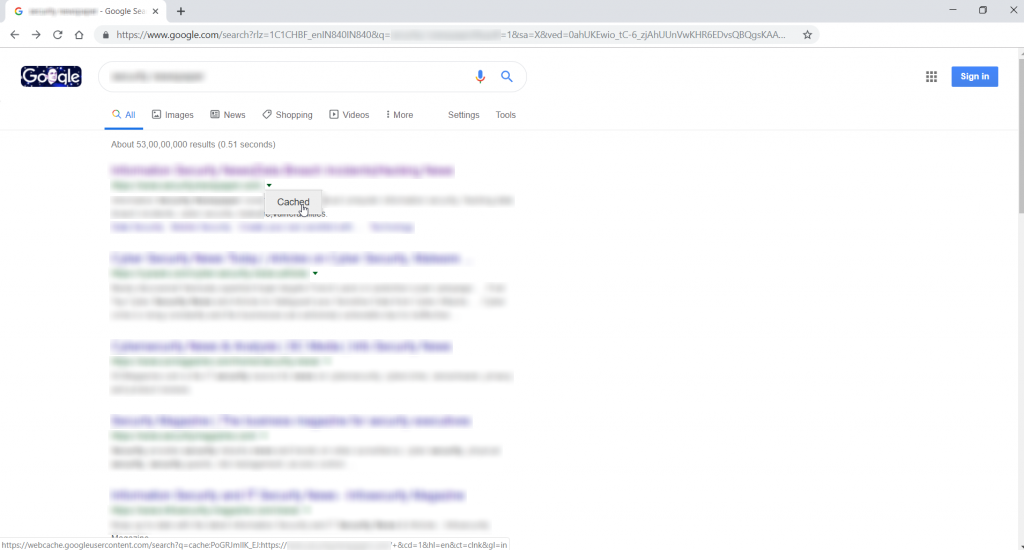
- Clicking on the cache link will show the above URL with cache information.
- If you detect any web application firewall, you can use these techniques to open blocked websites and view contents.
[inurl]:
- This query will search for keywords in the URL. Type inurl:admin login
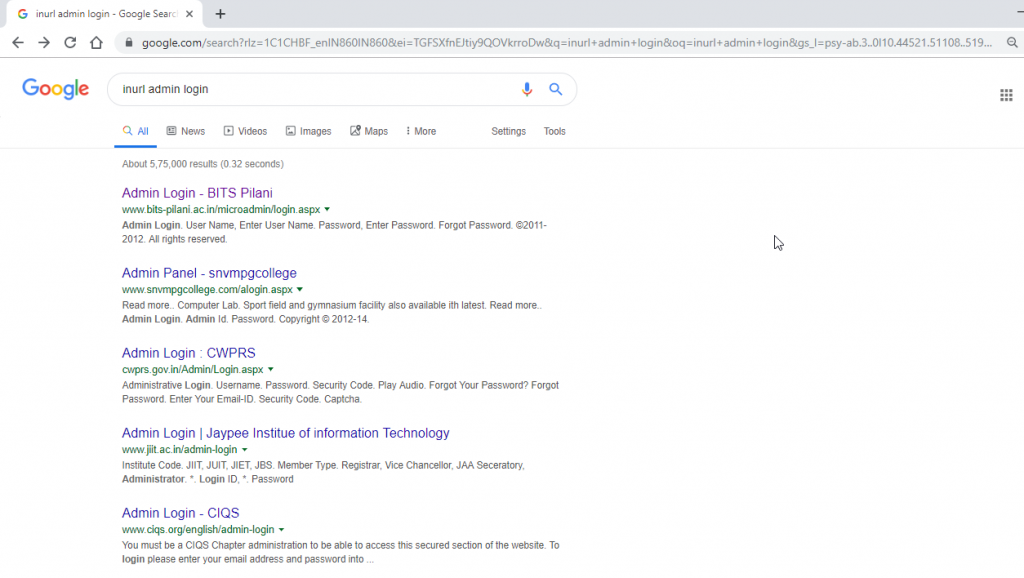
- The above screen shows the admin login in every URL.
- This query can be used to get admin pages of any website
[Link]:
- This query will show the result URLs that have URLs pointing towards hackthissite.org
- Type link:www.hackthissite.org
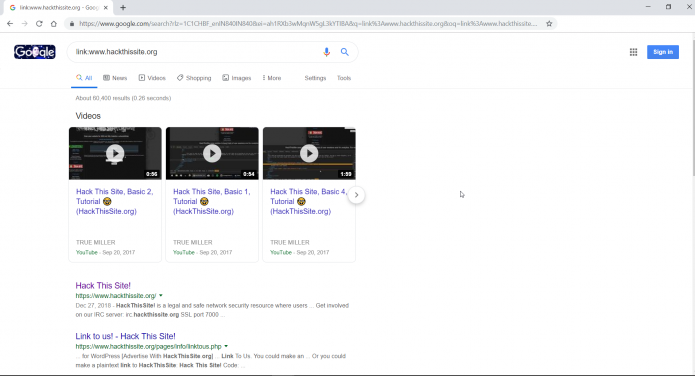
- The above shows the result of hackthissite.org.
[Info]:
- This query will show information about the URL which Google has on the web.
- Type info:www.slavehack2.com
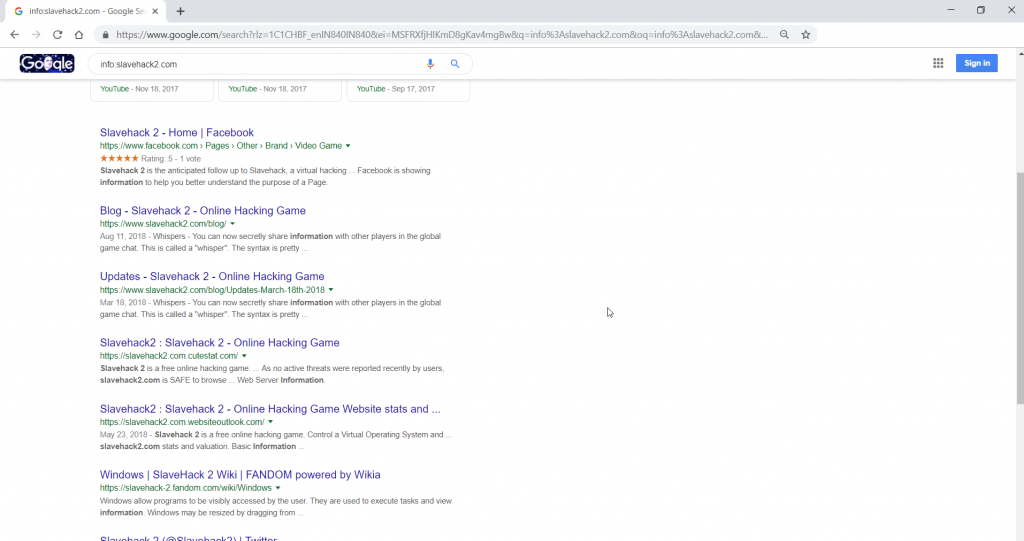
- The above screenshot shows the info about slavehack2.com.
[Related]:
- This query shows the URLs which are similar to the specified URL. Below you can see the specified URL with the same web page.
- Type related:testphp:Vulnweb.com
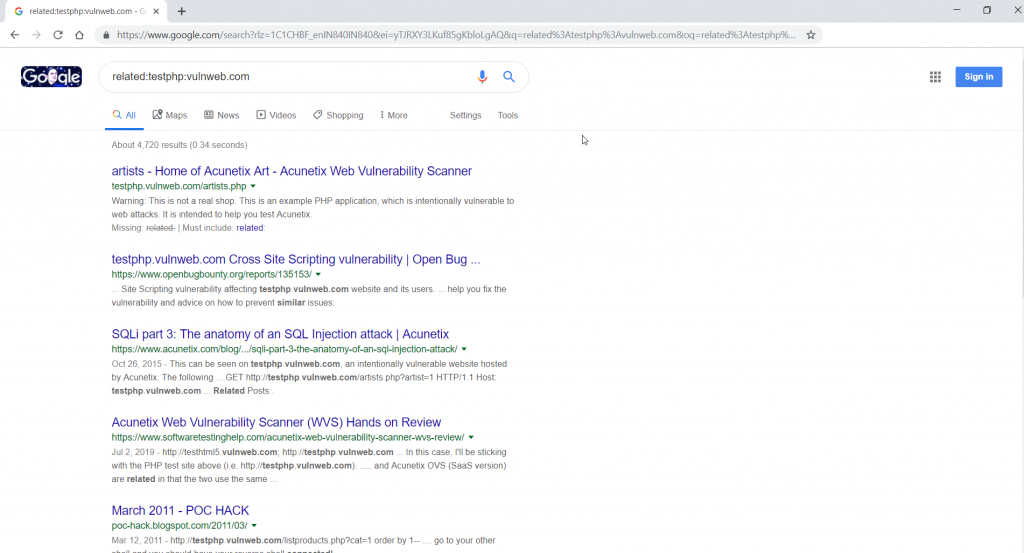
- The above screenshot shows the same websites related to testphp:Vulnweb.com
[define]:
- This query will show the definition of the word/ query you have searched for.
- Type define:cyber security
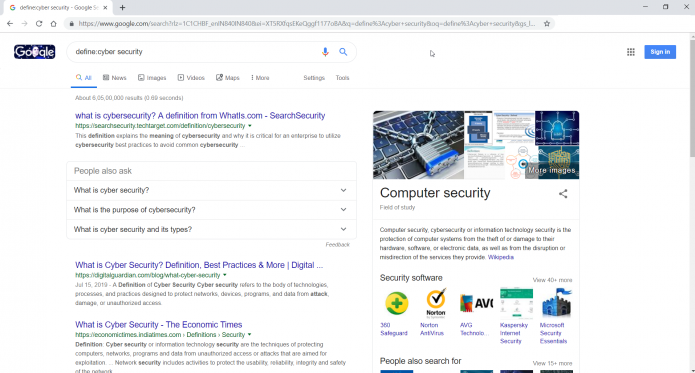
- The above query shows the definition of the particular keyword we have searched for.
[stocks]:
- For knowing the stocks of any company enter stocks:GOOG Remember to enter company ticker symbols, not the company name.
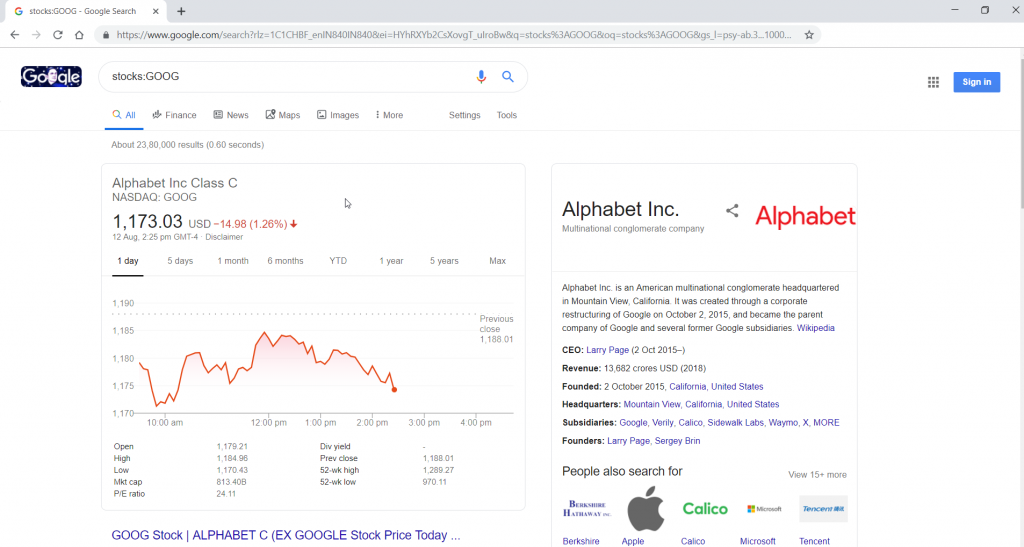
- Above you can see the Google stocks.
[site]:
- This query will find all the pages of the target website. For ex. – site:hackthissite.org will show all the available pages in search results.

- Above you can refer that all URLs are showing hackthisisite.org
[allintiitle]:
- This query will show search results of all words from the title allintitle. Type allintitle:google hack
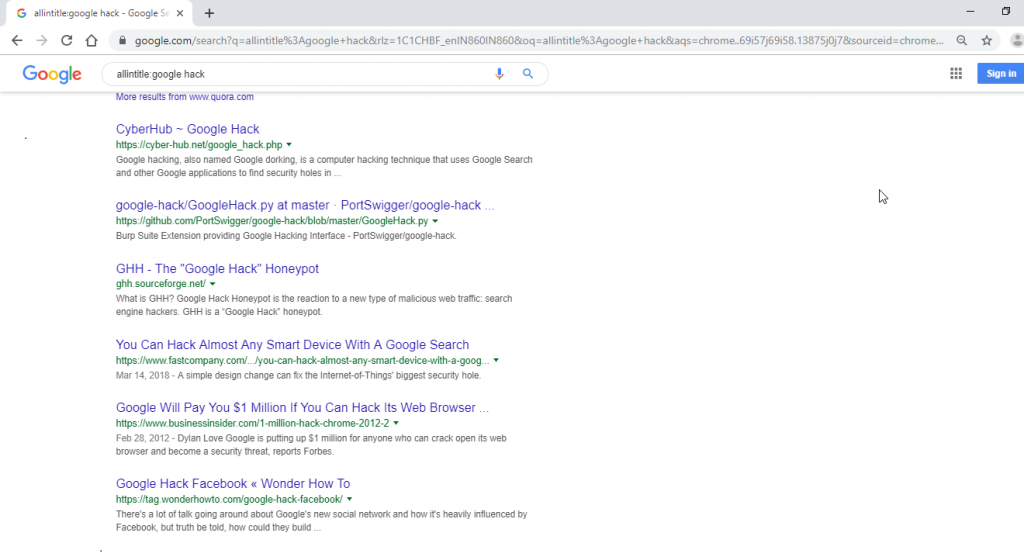
- The above screenshot shows results of allintitle mentioning Google hack.
[intitle]:
- This query will show a search only for the first word. For ex- if you type intitle:google hack. It will show results with Google in the title & hack inside the URL if available.
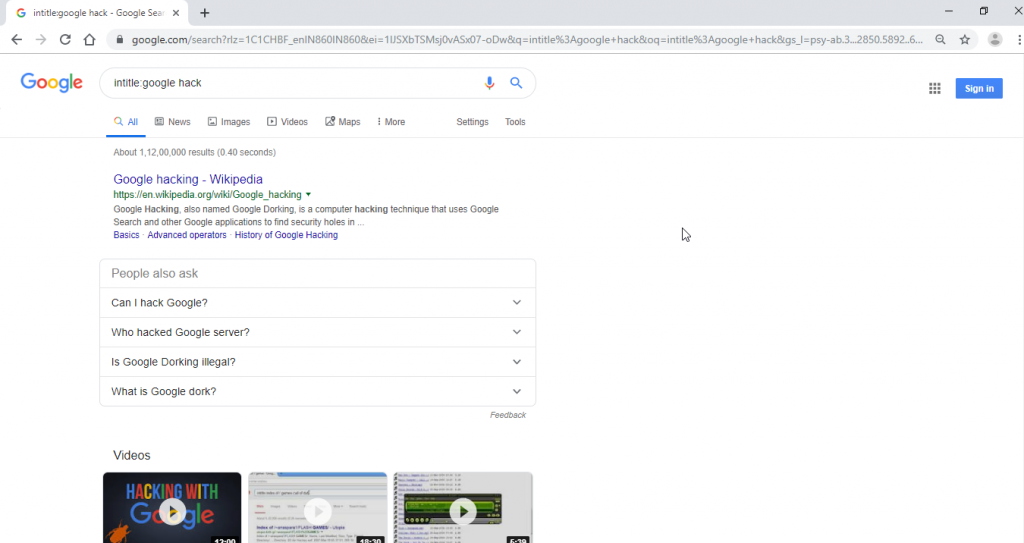
- The above query uses Google as first priority. If you want to find a complete word. Use the above Google Dork.
[allinurl]:
- This query will search for all the keywords entered in the URL. Type allinurl:certifiedhacker
- This will find certifiedhacker in URLs.
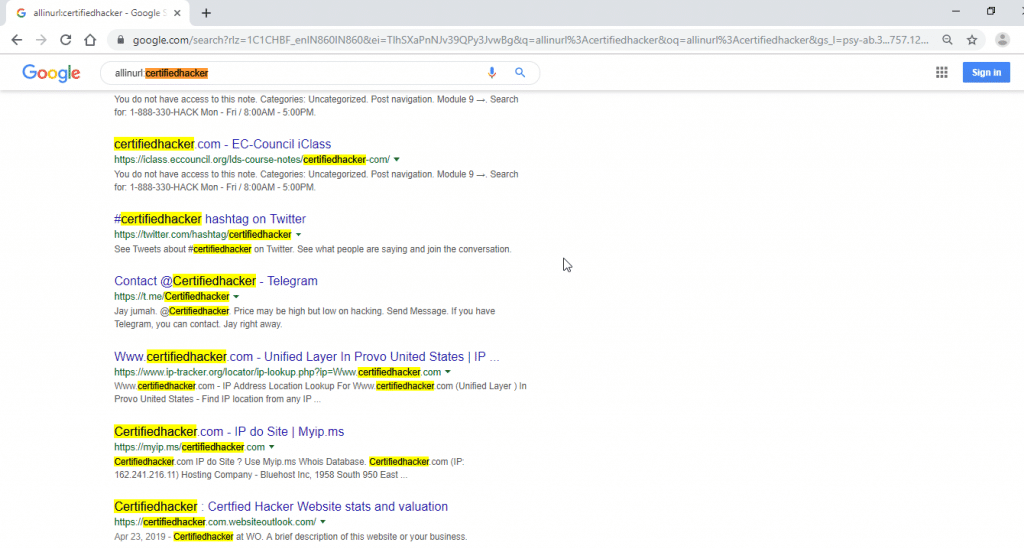
- The above screenshot shows certifiedhacker in URLs. It might show some of them in the title but the query will only work with URL.
MORE EXAMPLES USING GOOGLE DORKS:-
inurl:admin login <query>
- Type inurl:admin login query. For security reasons, we have hidden the query name shown below.
- This query will show admin logins of written names. Here we have used a country name. You can use any query to find admin logins.

- Opening the links shows the admin logins. From here you can use another method of bypassing the logins. Such admin logins should not be opened to the public. As brute force attacks could be done or sql injection attacks can used to bypass such logins.

- The above screenshots are the admin login of the query we have used. Using some other queries.
- Type inurl:admin login.jsp This query will show all admin pages developed with jsp. Exposing backend language can also be in the information gathering phases.

[inurl:/view.shtml]:
- Type inurl:/view.shtml for watching live cams. This query will show webcams that are left with poor security measures. Or such cams are not configured properly.

- The above shows the link to open live cams. For ex. – below you can see open live cams.

- You can use some other Google Dorks to find open cams.
inurl:/view.shtml
inurl view index.shtml
inurl view index.shtml near me
inurl:ViewerFrame?Mode=
inurl:ViewerFrame?Mode=Refresh
inurl:view/index.shtml
inurl:view/view.shtml
intitle:”live view” intitle:axis
intitle:liveapplet
intitle:liveapplet inurl:LvAppl
inurl view index.shtml near my location
intitle:”EvoCam” inurl:”webcam.html”
intitle:”Live NetSnap Cam-Server feed”
intitle:”Live View / – AXIS 206M”
intitle:”Live View / – AXIS 206W”
intitle:”Live View / – AXIS 210″
inurl:indexFrame.shtml Axis
- The above dorks can be used for finding open cams.
- One of the ethical hacking researcher of the International Institute of Cyber Security was able to find a secure facility using this approach.
[inurl:admin filetype:<filetype>]:
- For finding unprotected files of any type can be found online. Type inurl:admin filetype:xls will find the Excel files.
- Changing the file type will display other files.
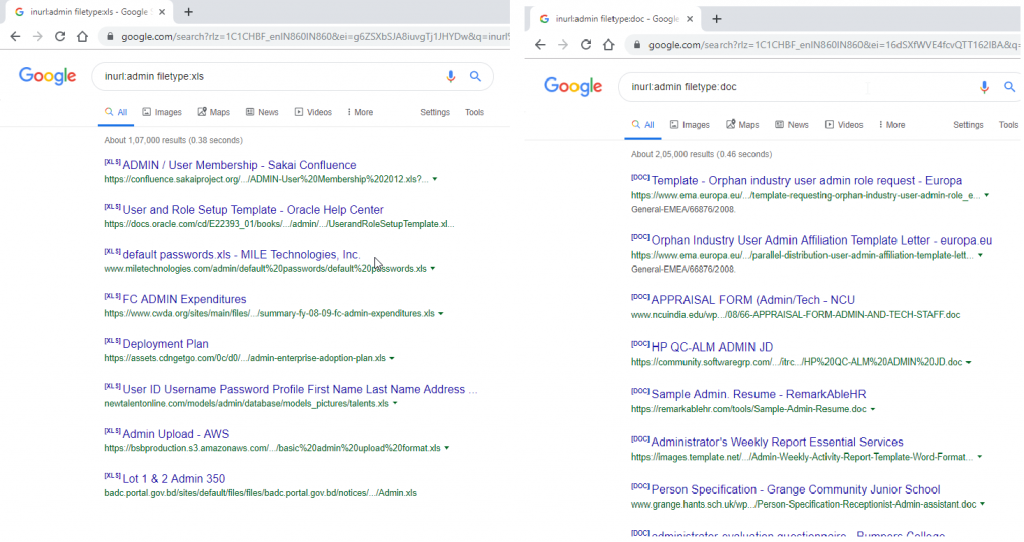
- The above shows Excel & Word files. You can download such files.
