



















Whenever you open your email ID, you can probably see lots of unknown emails with unknown URLs. Everyone wants to open such URLs. But opening such URLs can cause damage to your computer. According to an Ethical hacking expert at the International Institute of Cyber Security, there are 70 percent chance that URLs could contain malware. Such URLs contain automated scripts that can copy the cache & cookies of the web browser. Cache & cookies in basics are the web storage that stores content to enhance the user experience & performance of URLs. The cache contains web documents such as html pages, and images to lower down bandwidth usage, and cookies contain useful information about the user sessions. We will show you some methods how to check if URLs are suspicious or not. Attackers can also use link shorteners like bitly & tinyURL.
Not every Anti-virus can protect you from malicious URLs, antivirus bypass can be done easily. Users have to check if the URL is malicious or not. You can find many URLs on Facebook posts, and many users forward such URLs on Instant Messenger Applications. Malicious links could appear with funny videos, amazing discounts, and shocking news. Such methods you can normally notice on the emails. You will see many unknown emails appear with shopping discounts, funny videos & many more.
FOR CHECKING THE MALICIOUS LINKS:-
Know The Actual URL:-
- Slightly move your computer mouse towards the link but don’t click on the link. You will notice a link on the down left side of your browser. For example – below you can see the links on the left side bottom.
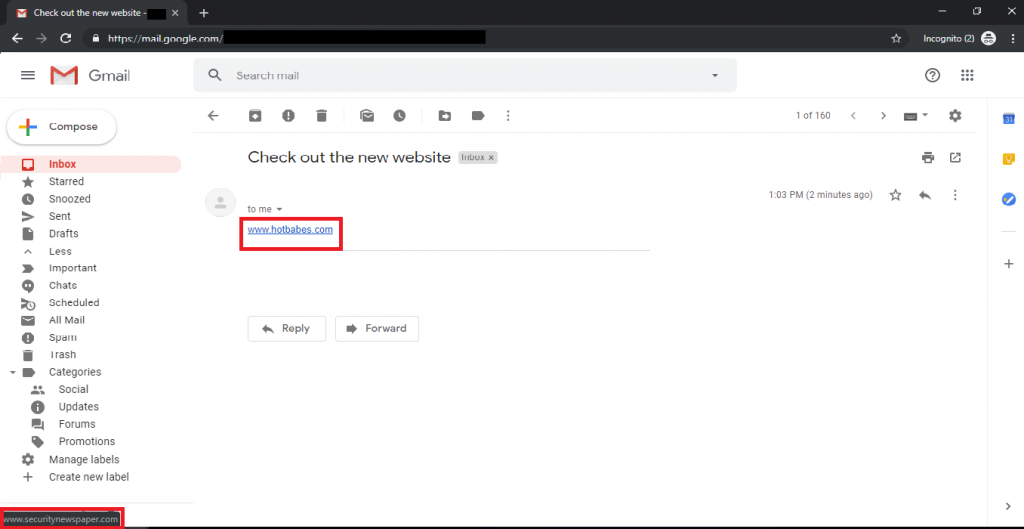
- Above on the down left side, you can see the links. Many times unknown mail names or some popular product names are connected with the URL. If you hover your computer mouse on the link. You will see the URL on the left-hand side. That is on which page you will land after clicking on the link.
Web Browser Extensions: –
- Usually, we do many things online based on ratings. Even if you want to purchase any product or you want to visit any place. You will check the ratings. So why not for the websites? Suppose you have mistakenly opened the malicious URL.
- WOT (WEB OF TRUST) browsers tell you if the URL is malicious or not. There are three colors of this extension which shows if the URL is dangerous or not. Download the add-on from : https://chrome.google.com/webstore/detail/wot-web-of-trust-website/bhmmomiinigofkjcapegjjndpbikblnp
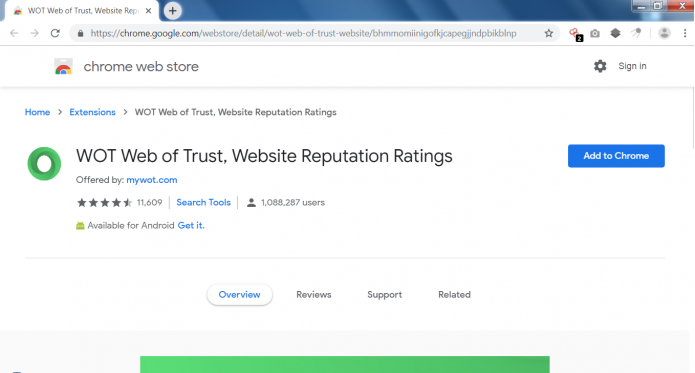
- Above is the Chrome addon which shows the rating of the website you visit.
Attacker Hides the Malicious URL:-
- If you receive any email containing a URL using a link shortener. As per an ethical hacking researcher at the International Institute of Cyber Security, malware writers sometimes use URL shorteners in malware code. You can use Link Expander to check for what exactly the URL is. For example, we have received this email. Now we will expand the URL.
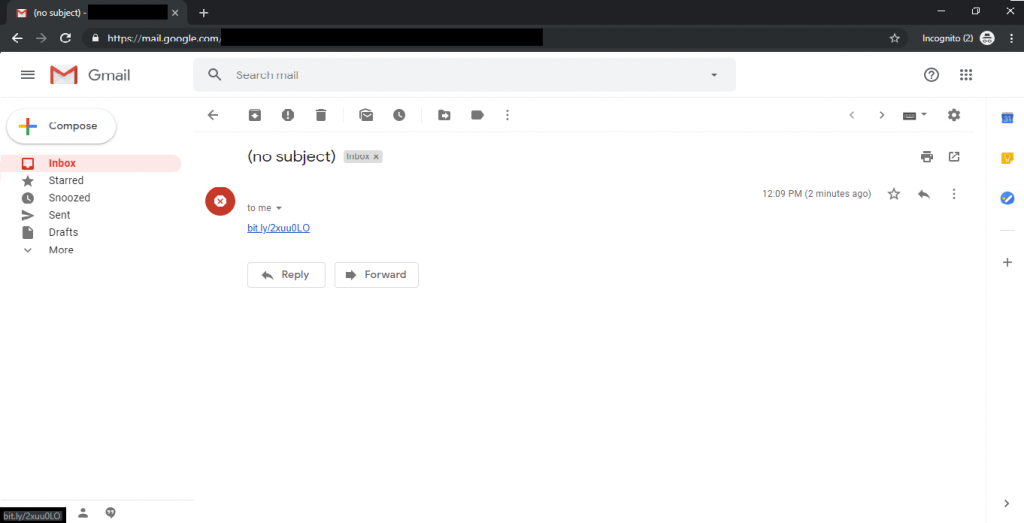
- Go to: http://checkshorturl.com/expand.php
- The above-shortened link shows the original link.

—————————————————–SNIP—————————————————–

- The above screenshot shows the original link. Now we will try out another add-on.
TrafficLight:-
- TrafficLight is another addon used to check if URLs are malicious or not. It works with any Windows-compatible browser. Just like another addon, trafficlight will not block the entire website. This addon will only block the malicious web page. TrafficLight is designed by BitDefender Cloud Services. Suppose a user is searching any information online. We will show you a simple search of how the TrafficLight addon works.
- Below we have searched the keyword news. And the First icon on every search green icon.
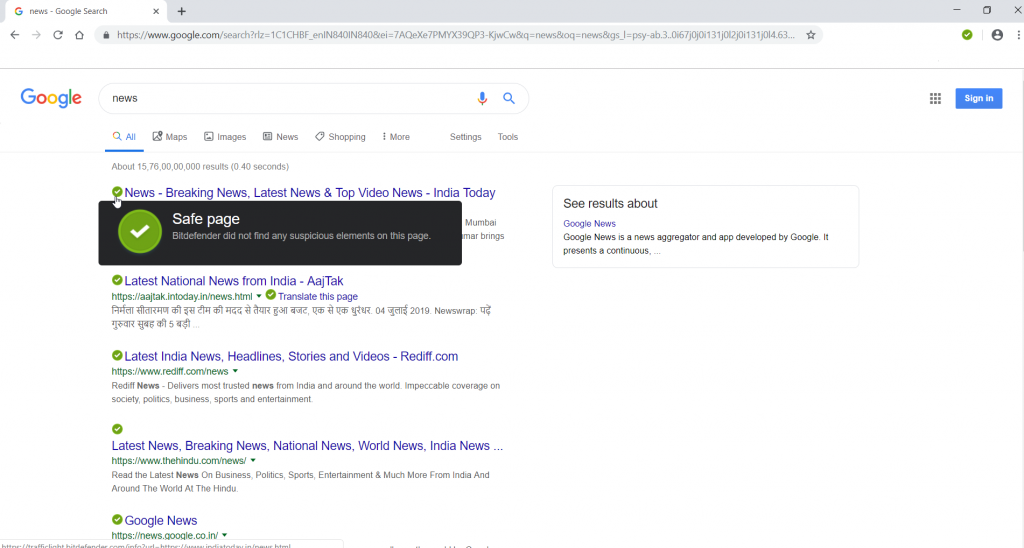
- When we hover the mouse towards the icon, it shows that the web page is safe. This is how TrafficLight works. It checks each web page when we search for any keyword in the search engine. Before reaching to the web browser, TrafficLight intercepts & scans the web traffic. The add-on blocks attacks before reaching the web browser.
Scan Suspicious Link:-
- If you are only interested in knowing if the URL is malicious or not. Or you found any link to be suspicious. You can scan the URL using the following Online URL Scanners. Copy the suspicious URL carefully, do not click on it.
Online Link Scan websites:-
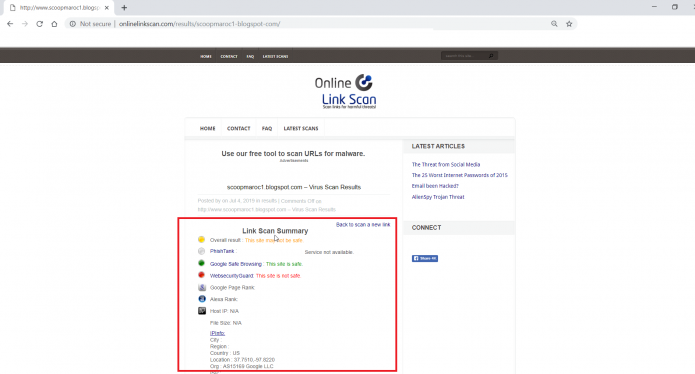
- The above screenshot shows that the target website is vulnerable. Onlinelinkscan scans websites using online services like Google Safe Browsing. Most Easy way to check suspicious URLs.
Norton Link Scanner:-
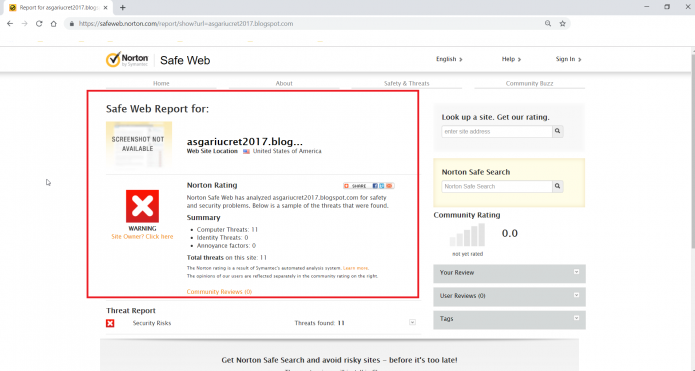
- Above is another popular link scanner that is used to scan suspicious URLs. This URL does not show any special information.
- It only shows that simple message that the URL is suspicious or not.
Virus Total URL Scanner:-

- Virustotal is another popular scanner for scanning suspicious Windows executables. But you can also scan suspicious URLs. This website uses popular scanners for scanning URLs.
- The above screenshot shows that the URL is malicious in three network firewall scanners.
- Virus total is very common among script kiddes, said a researcher.
Trend Micro Link Scanner:-

- Trend Micro safety scanner used in scanning URLs. Trend Micro simply shows that the website is vulnerable. The above screenshot shows that the website is dangerous.
URL Void Scanner:-
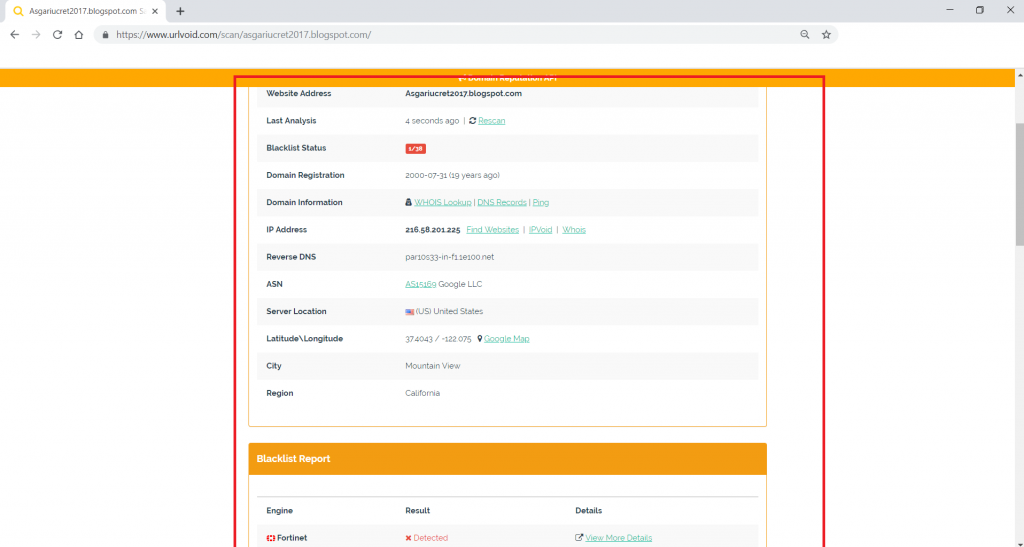
- URL void link scanner which shows the basic info about the website like – IP address, Domain Registration date, Server location & even shows reverse DNS.
- Information about the website is basic but can be considered in the initial phase of information gathering & further hacking activities.
