

An Account ID instead of an inbox
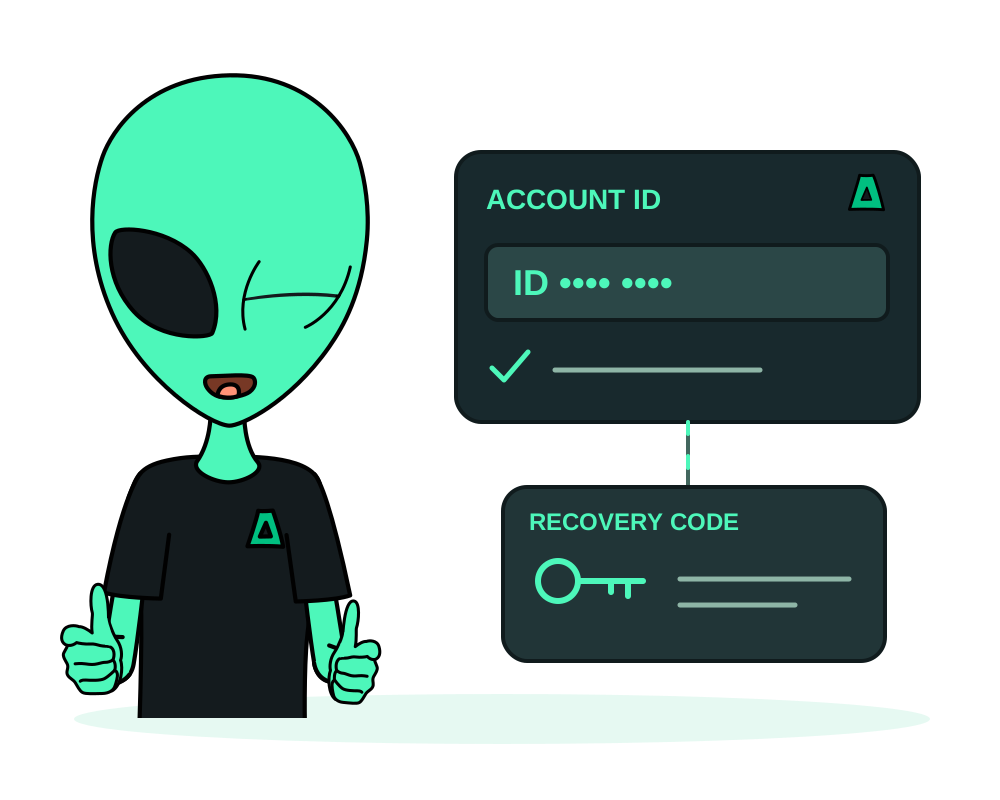
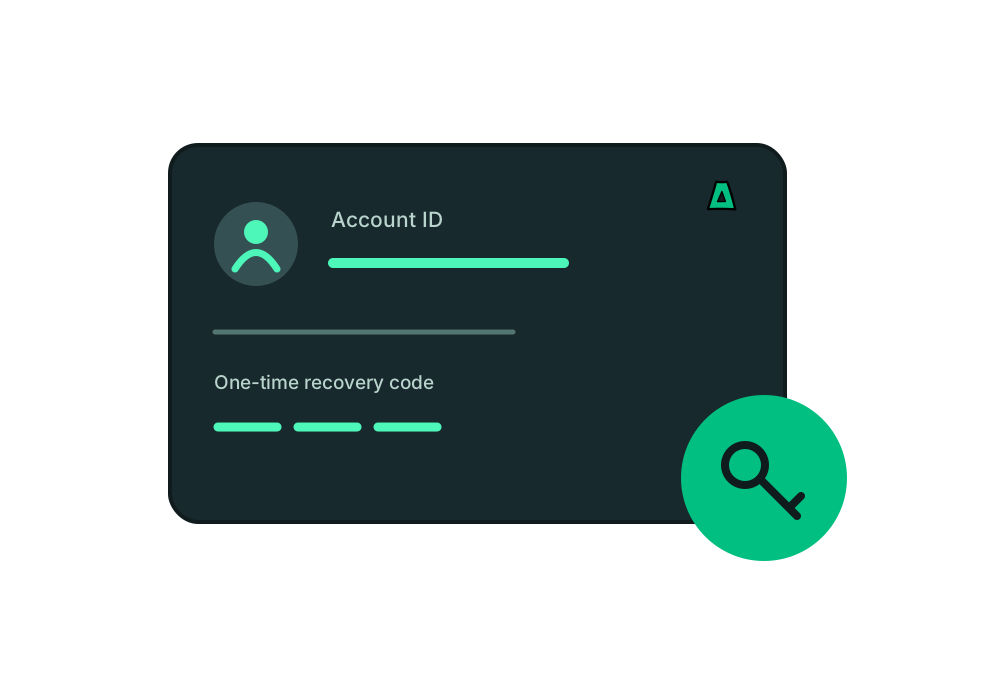
Start with Use no email in the portal, ask a compatible AI assistant to create an account, or create one during a supported OAuth connection. Save your Account ID and one-time recovery code when shown.
Use your Account ID and password for normal portal sign-in. Follow the recovery flow if you need to set or reset the password; an inaccessible technical email value is not a recovery inbox. Keep recovery information private and out of AI prompts. See the signup and recovery steps.