
Connect your AI assistant and keep control after deployment
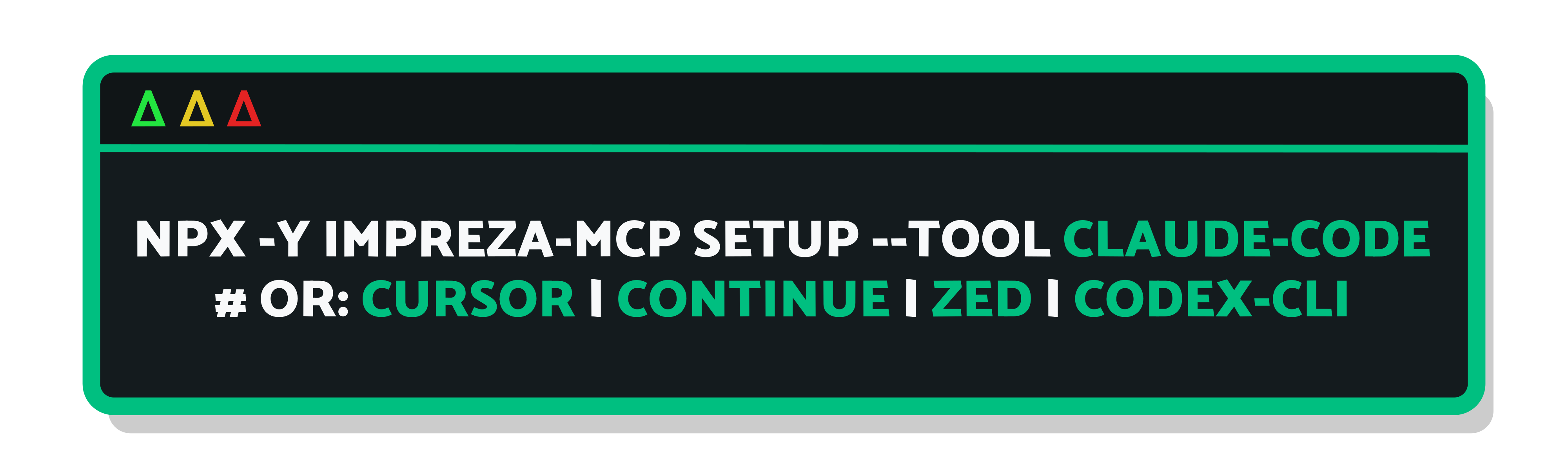
Use a compatible AI client to connect to Impreza MCP with OAuth and authorize access to your account. This connection needs no local MCP installation or API key. Local setup remains available for coding tools and uploads from your computer.
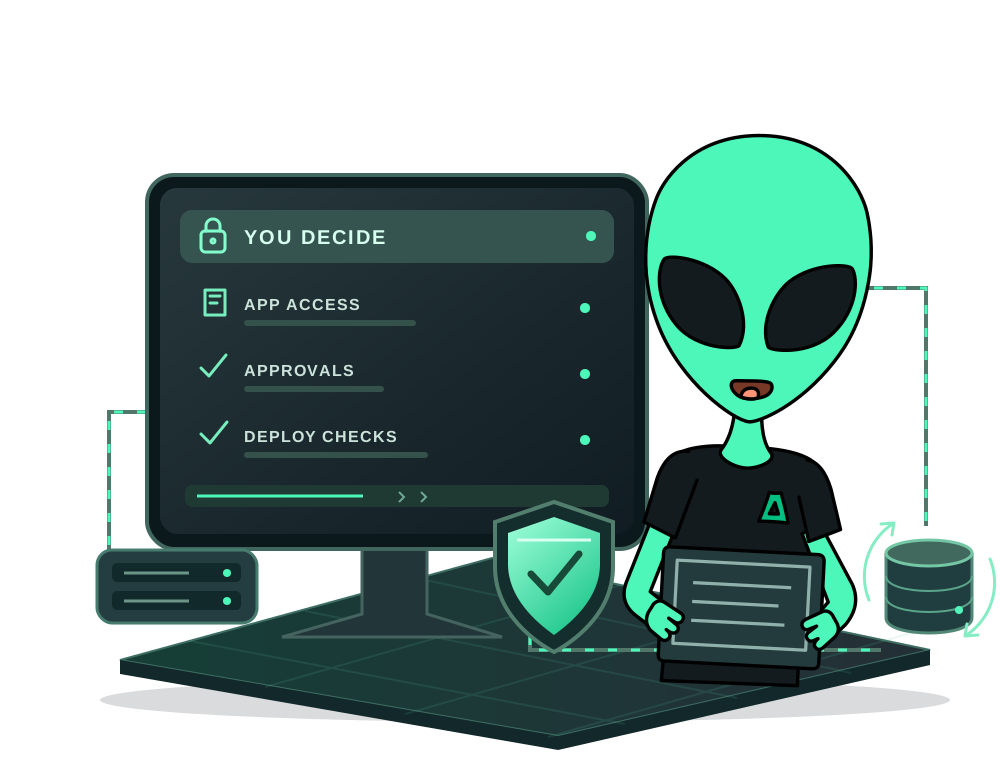
With the Impreza Agent online on your VPS, install catalog apps or deploy your own code. Inspect supported app files and maintenance results, schedule app tasks and manage app backups and restores. App backups use the Impreza S3 storage associated with your account; they are separate from whole-VPS backups.
Need to review a Git branch before release? Explore temporary preview environments over Tor and check the supported setup and capacity requirements.
Check app requirements, available server resources and storage before you start. Traditional control panels use a separate workflow from the agent and Docker app catalog.