My Apps + Impreza MCP

One platform. Two ways to start.

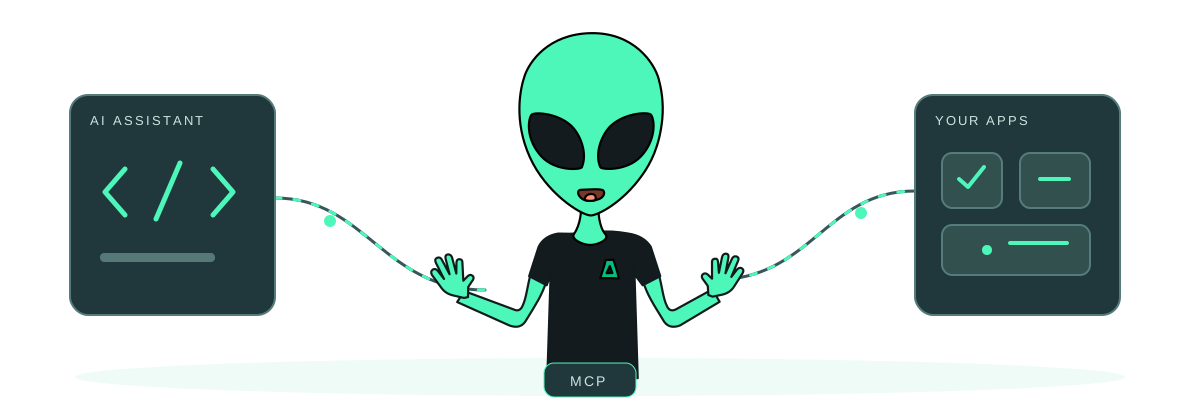
Deploy and manage supported apps from My Apps or a connected AI assistant. Choose an Impreza VPS, or connect a compatible server you already administer.

New infrastructure

A VPS from Impreza

From US$9/month

1 vCPU · 1 GB RAM · 20 GB SSD
Monthly billing

  • Choose the location and resources for your project.
  • Select the optional Impreza Agent for supported app management and AI operations.
  • Connect up to 5 external servers in total while an Impreza VPS is active.

Entry size shown. App requirements may need more capacity. Backup storage and other separately billed services are extra.

Configure your VPS
Keep your current host

Your existing server

First server free

One external-server connection
No Impreza VPS or account balance required

  • Connect a compatible Linux server you administer.
  • Deploy supported catalog apps or custom applications.
  • Use My Apps or an authorized AI assistant through MCP.

The connection slot is free. Your existing hosting bill, domains and backup storage are not included.

Connect your server

App management requires the Impreza Agent to be installed and online. You choose the permissions delegated to a compatible AI assistant. Review the selected configuration and final total before purchasing.

Start with OAuth

Connect your assistant, then prepare your server

Open Impreza Host in ChatGPT, find Impreza MCP in Claude as a community integration, or use OAuth with a compatible remote MCP client at https://mcp.imprezahost.com/mcp. The ChatGPT profile supports reading and managing an existing account; financial tools and the payment card are unavailable. Use the portal directly for purchases and payments. Other supported profiles keep their own tool and panel availability.

New here? Create a no-email account with your assistant, in the portal, or during a supported HTTPS clearnet OAuth connection. Save your Account ID and one-time recovery code. Creating an account does not authorize an app: review access separately.

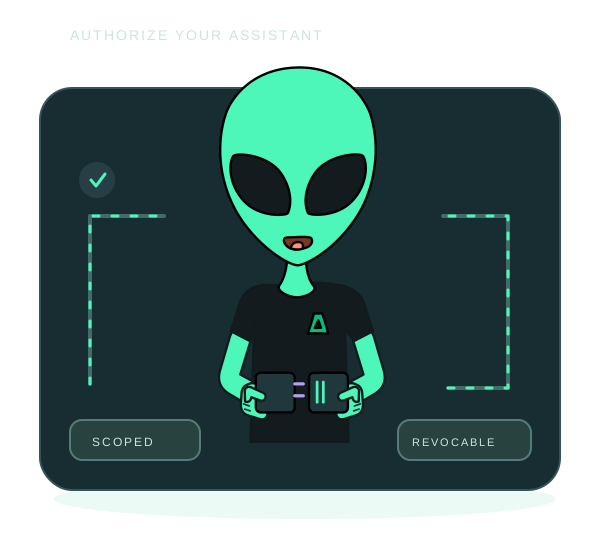
Choose the permissions you need and protect selected actions with human approval. A private, single-use link can take the account owner directly to a pending request, with an onion alternative. The assistant cannot approve itself.

Use an Impreza VPS or connect a compatible server you already administer. App operations need the Agent installed and online. Connecting MCP alone installs nothing and does not import existing apps.

For Tor, follow the client transport setup. Opening consent in Tor Browser alone does not route the client’s other requests through Tor.

Control after deployment

Publish, inspect, protect and move your apps

Publish your website, automation or self-hosted service from a supported catalog recipe, image, Dockerfile, Git repository or Compose stack. Use HTTPS or optional Tor access where supported, and review eligible Git branches at temporary onion addresses before release.

Inspect app metrics and logs, ask for an incident explanation and check HTTPS or unrestricted onion access before choosing a repair. The explanation suggests a next step; it does not execute it. Review and tune Shield and check readiness before eligible traffic changes.

Protect this app: test your recovery copy

For supported Memos or Uptime Kuma recipes with an owned hostname, choose an online compatible server on your account in another reported country. Confirm standby creation, pairing and the first restore drill separately. It never buys servers or switches traffic; a successful drill checks a dated copy and can miss newer writes. Review eligibility and limits.

Recover with clearer results

Back up app data to Impreza S3 and test a restore. Object Lock requires an eligible bucket and agreed retention; it is not automatic protection for every backup. Plan app migration and onion identity recovery separately from a whole-VPS backup. Restores can interrupt service.

Organize projects and environments, schedule tasks and use limited credentials. Update existing Agents explicitly and review covered account records.

Quick answers to your questions.

Frequently asked questions

What is the Impreza MCP server?

MCP lets compatible AI assistants use Impreza tools to deploy apps and manage servers, DNS and account operations. It connects your assistant to your infrastructure. Your applications run on your server. For eligible apps, publish a native status page. The owner can separately review covered AI activity in the account, with limited metadata and retention controls.
24/7 Technical Support

Our technical team is here to help you 24/7!

Our support team is the best in the industry, providing uninterrupted assistance for all your hosting needs. From servers to websites and mailboxes, we offer unparalleled support that sets the standard for excellence. Choose our hosting support and enjoy the peace of mind that comes with working with the best.