Start with OAuth
Connect your assistant, then prepare your server
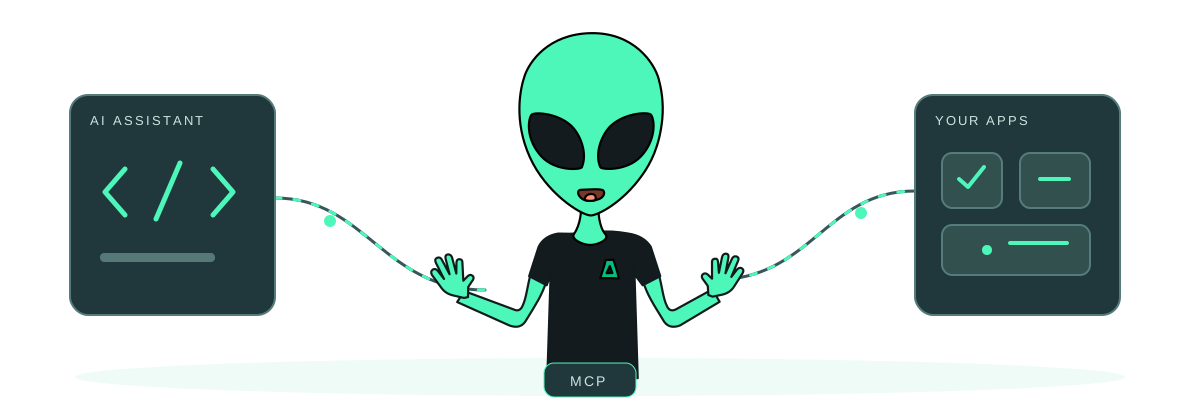
Open Impreza Host in ChatGPT, find Impreza MCP in Claude as a community integration, or use OAuth with a compatible remote MCP client at https://mcp.imprezahost.com/mcp. The ChatGPT profile supports reading and managing an existing account; financial tools and the payment card are unavailable. Use the portal directly for purchases and payments. Other supported profiles keep their own tool and panel availability.
New here? Create a no-email account with your assistant, in the portal, or during a supported HTTPS clearnet OAuth connection. Save your Account ID and one-time recovery code. Creating an account does not authorize an app: review access separately.
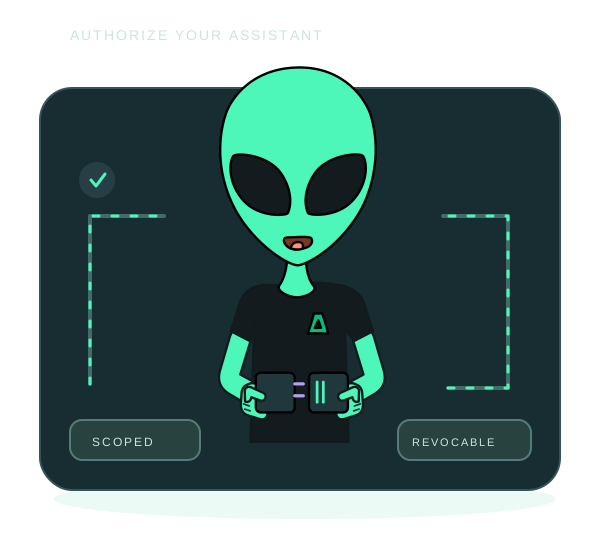
Choose the permissions you need and protect selected actions with human approval. A private, single-use link can take the account owner directly to a pending request, with an onion alternative. The assistant cannot approve itself.
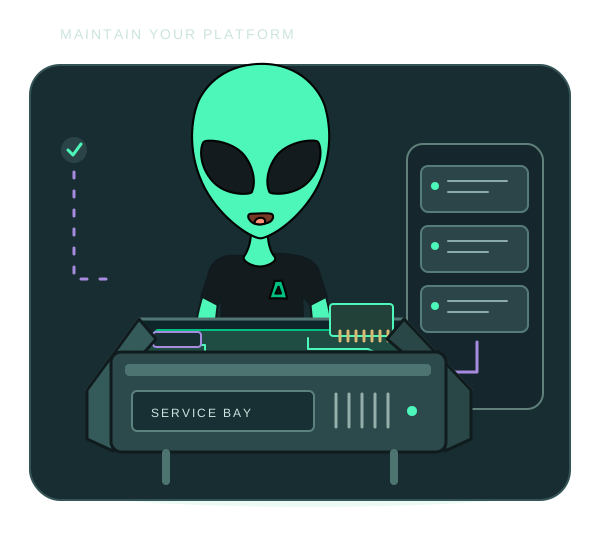
Use an Impreza VPS or connect a compatible server you already administer. App operations need the Agent installed and online. Connecting MCP alone installs nothing and does not import existing apps.
For Tor, follow the client transport setup. Opening consent in Tor Browser alone does not route the client’s other requests through Tor.